Quenched 1.5 is out for iPhone, iPad, and Apple Watch, and it's a free update. It adds two gauge widgets for the Lock Screen and watch faces, makes the app quicker if you've been logging for a while, and fixes a handful of sync problems, most of them for Apple Watch owners.
Two new gauge widgets
A reader asked for gauge-style widgets, so we made two. Each is an open dial with its gap at the bottom. The dial fills clockwise from the left as the number climbs, with the value in the middle and an icon in the gap so you can tell them apart at a glance.
- Hydration Gauge shows how far along you are toward today's goal. Go past it and the dial stays full while the number keeps counting.
- Consistency Gauge shows today's Hydration Consistency score out of 10.
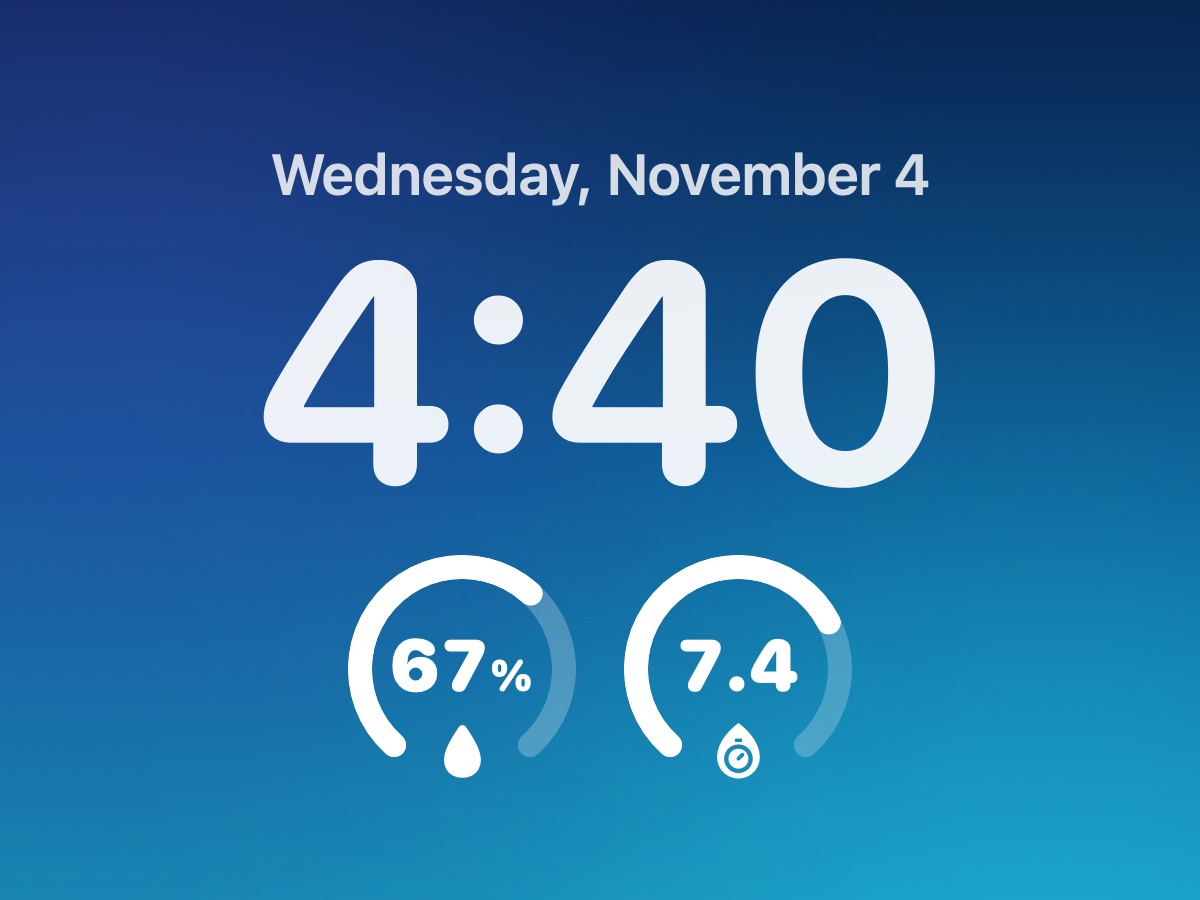
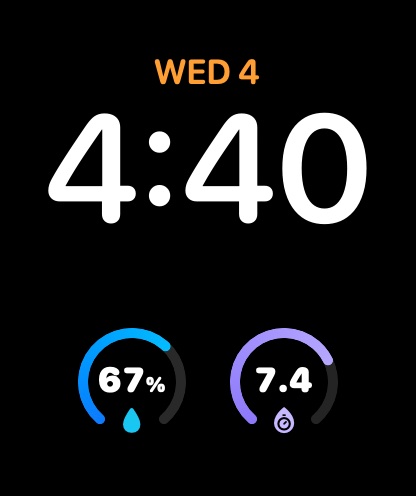
To add one on iPhone, touch and hold the Lock Screen, tap Customize, then tap the row of widgets under the time and choose Quenched. On Apple Watch, touch and hold the watch face, tap Edit, swipe over to the complications, and pick Quenched for a round slot. On the Lock Screen the gauges take on the system's monochrome look; on a watch face they show in color, or in the face's tint.
 9 AM
10 oz Noon
28 oz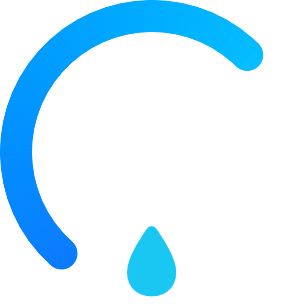 4 PM
46 oz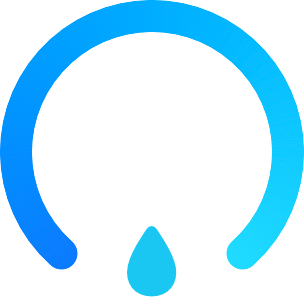 8 PM
68 oz
One more small thing while we're on gauges: in the app, tap the big ring on the Today screen, or on the first page of the watch app, to switch between the amount you've had and the percentage of your goal. Each device remembers its own choice, so your watch can show percent while your phone shows ounces. On iPhone, replaying the goal celebration has moved to a double tap.
Faster, especially with a long history
If you've logged drinks for a year or more, Quenched 1.5 should feel noticeably quicker. The app used to sort through your whole drink history over and over every time a screen drew. Now it does that once and reuses the result until something changes. Switching tabs no longer redraws the tabs you can't see, and opening the app while your watch, Apple Health, and iCloud catch up no longer makes it stutter. In our testing with about 5,800 drinks logged, a tab switch went from over a second to a small fraction of one.
Widgets update more reliably too. Quenched used to ask iOS to refresh every widget whenever anything synced, and since iOS limits how often widgets can refresh, a drink logged from a reminder could miss your widget for a while. Now widgets refresh only when something they show has changed, and right away when you log a drink.
Sync fixes
- No more duplicate drinks on Apple Watch. Some people with an Apple Watch saw a drink appear three to five times. Quenched could save a drink to Apple Health more than once, and the other device then brought those extra copies back in as new drinks. Quenched now saves each drink to Health once and never imports its own Health entries as new drinks. Duplicates already in your log aren't removed for you, so you may want to delete any extras.
- Widget drinks show up right away. A drink added with a widget's button didn't appear in an open app, or reach Apple Health, until you force quit Quenched. Now it shows up as soon as you're back in the app.
- Two drinks of the same size stay two drinks. Logging the same amount twice within a minute, like two quick taps on a widget's 10 oz button, could merge the pair on Apple Watch, and one of them would then disappear from both devices. Each drink now stays its own.
What you need
Quenched 1.5 runs on iOS 18 and watchOS 11 or later, and everything in it is part of the free app, gauge widgets included.
